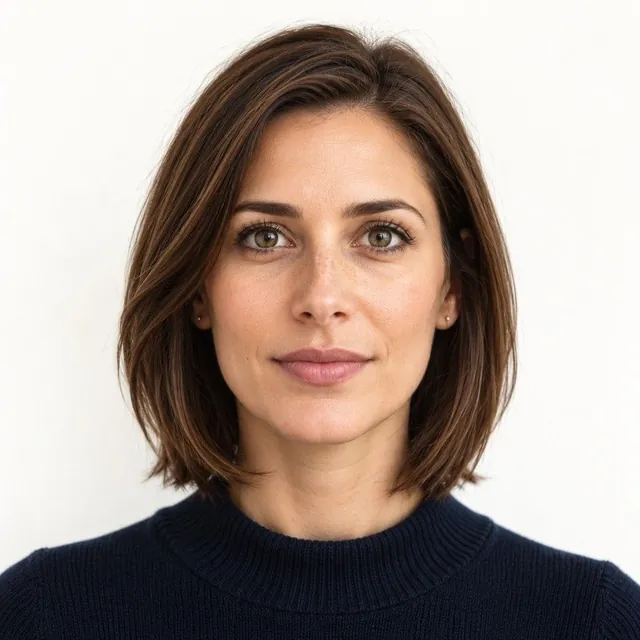
Visa photo vs passport photo: the differences
They are close, but not identical. The DS-160 visa form needs a digital square JPEG (600 to 1200 px, 240 KB or less), a neutral expression, and head coverings only for daily religious wear. A US passport photo is a printed 2 × 2 inch photo that allows a natural closed-mouth smile. A recent photo that meets both sets of rules can be used for both.
The differences
- Format: passport, printed 2 × 2 inches; DS-160, a square JPEG file, 600 × 600 to 1200 × 1200 px, 240 KB or less
- Expression: passport, a natural smile with mouth closed is fine; visa, neutral
- Head size: passport, 1 to 1 3/8 inches; visa, 50–69% of the photo height, with the eyes 56–69% up from the bottom
- Head coverings: passport, religious or medical with a signed statement; visa, religious only, worn daily
What’s the same
- Taken in the last 6 months, in colour
- Plain white or off-white background
- No glasses unless medically necessary
Two kinds of digital file
A digital passport photo for online renewal and a DS-160 visa photo are different files. One may not work for the other.
- Online passport renewal: JPG, JPEG, PNG, HEIC or HEIF, from 54 KB to 10 MB. You can crop it in the application
- DS-160 visa: JPEG only, square, 600 × 600 to 1200 × 1200 pixels, 240 KB or less
- DS-160 color and compression: 24 bits per pixel in the sRGB color space, with a compression ratio of 20:1 or less
- Scanning a printed visa photo: scan the 2 × 2 inch print at 300 pixels per inch
More differences in the fine print
- Eye height on a print: for a printed visa photo, your eyes should sit 1 1/8 to 1 3/8 inches from the bottom
- Glasses: banned in new visa photos since November 1, 2016. A rare medical exception needs a signed medical statement
- Tinted lenses: never allowed in a visa photo. For a passport, dark or tinted prescription glasses may be allowed for medical reasons. A medical certificate may be required
- Hearing aids: allowed in both, if you normally wear them and they don’t hide your face
- Uniforms: banned in both. The visa rules make an exception for religious clothing worn daily
When a visa needs a printed photo
- Nonimmigrant visa (DS-160): 1 digital image, uploaded in the online form
- Immigrant visa (DS-260): 2 identical printed photos, brought to the interview
- Diversity Visa entry: a digital image. If you are selected, bring 2 identical printed photos to the interview
- Some embassies: ask for 1 printed photo at a nonimmigrant interview, so check your embassy’s instructions
If your DS-160 confirmation page shows an X instead of your photo, the upload failed. Bring 1 printed photo with the confirmation page.
Turning a passport photo into a visa photo
-
Check your expression
A closed-mouth smile is fine for a passport but not for a visa. If you are smiling, take a new photo.
-
Start from the original file
Use the original digital photo. Never use a copy or scan from a driver’s license or other official document.
-
Crop to a square
Crop to 600 to 1200 pixels per side. Keep your head at 50% to 69% of the height, eyes 56% to 69% up.
-
Save as a small JPEG
Save it as a JPEG of 240 KB or less. Don’t change your appearance; only crop and resize.
The State Department’s free Photo Tool crops to exactly 600 × 600 pixels but doesn’t check quality. Our photo checker tests a file against each rule.
Already have a photo? Check it free with the passport photo checker. Every rule in one place: passport photo requirements.
Questions
Can I use my passport photo for my US visa?
Often yes, if it is recent, neutral and meets the visa head rules, but the DS-160 needs a digital file, not a print.
Can I smile in a visa photo?
No. Visa photos need a neutral expression.
What size is a US visa photo in pixels?
A square JPEG from 600 × 600 to 1200 × 1200 pixels, 240 KB or less. A printed visa photo is 2 × 2 inches.
Can I wear glasses in a US visa photo?
No. Glasses have not been allowed in new visa photos since November 1, 2016, except in rare medical cases with a signed statement.
Can I use my online passport renewal photo for the DS-160?
Only if the file also meets the DS-160 rules: a square JPEG, 600 to 1200 pixels, 240 KB or less, with a neutral expression. Renewal accepts other formats and larger files.
Why is there an X instead of my photo on my DS-160 confirmation?
The photo upload failed. Bring 1 printed photo that meets the rules, with your confirmation page, and ask the embassy or consulate for instructions.
Sources: Passport photos - travel.state.gov , Photo requirements - U.S. Visas , Digital image requirements - U.S. Visas, travel.state.gov , Photo composition template - U.S. Visas, travel.state.gov , Photo frequently asked questions - U.S. Visas, travel.state.gov , Uploading a digital photo for online renewal - travel.state.gov , 8 FAM 402.1 Passport photographs - Foreign Affairs Manual, state.gov . Checked Oct 16, 2026. How we keep rules accurate