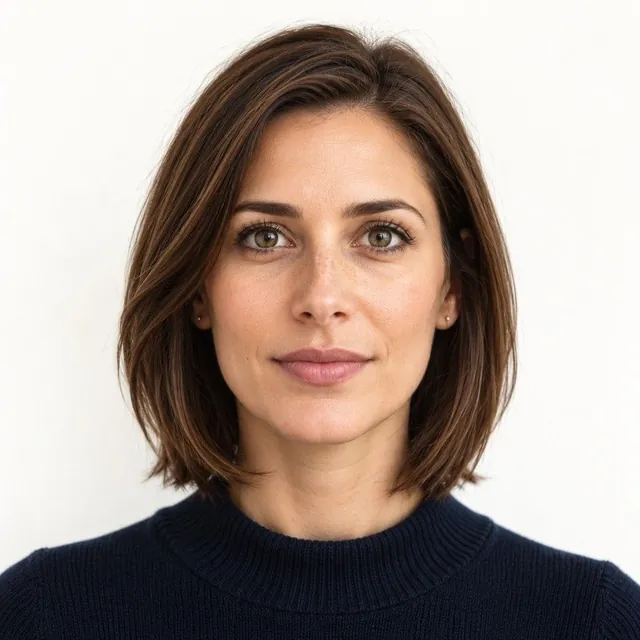
How to get a white background for a passport photo
The background must be plain white or off-white, with no shadows, texture, lines or objects. At home, stand in front of a plain light wall or hang a white sheet, face a window for even light, and stand a step away from the wall so your shadow doesn’t fall on it. Don’t remove or replace the background with an app: that counts as editing.
What the rules say
- Plain white or off-white
- No shadows, texture, lines or objects behind you
- No editing: a background removed or replaced with software or an app isn’t allowed
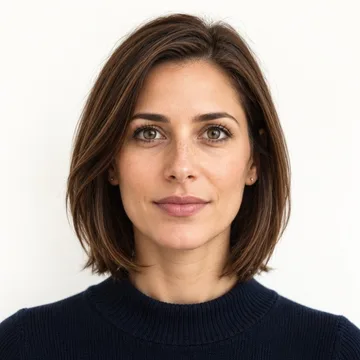
How to get it at home
-
Pick the wall
A plain white or off-white wall with nothing on it. If yours is coloured or patterned, hang a smooth white sheet.
-
Step away from it
Stand about a step in front of the wall, so your shadow falls behind you, not on the wall.
-
Use even light
Face a window for soft daylight. Avoid a single lamp beside you, which makes shadows.
Why not just remove the background?
The State Department doesn’t allow photos changed with software, apps or filters, and shows a background cut out with a retouching tool as unacceptable. See what counts as editing. We never replace backgrounds; if yours isn’t plain enough, we tell you and you retake it, free.
Why backgrounds get photos rejected
Most background problems come from the room, not the wall paint. These are the usual ones:
- A shadow behind your head: you stand too close to the wall, or the light comes from one side
- A gray or dim wall: a white wall in a dark room looks gray in the photo
- Things in the frame: a door edge, a picture, a light switch or a pattern behind you
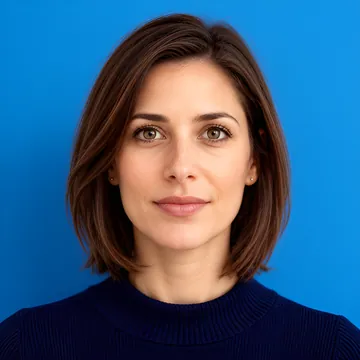
- A colored wall: cream, blue or beige walls are not plain white or off-white
Fix a shadow behind your head
The rules ask for no shadows on your face or in the background. A shadow on the wall usually means the light comes from behind or beside you.
Practical tips, not rules: stand about 3 feet (1 m) from the wall, not against it. Face a window, so the daylight falls on you and on the wall in front of the camera. Turn off a single lamp at your side. Don’t stand in a corner, where two walls make two shades.

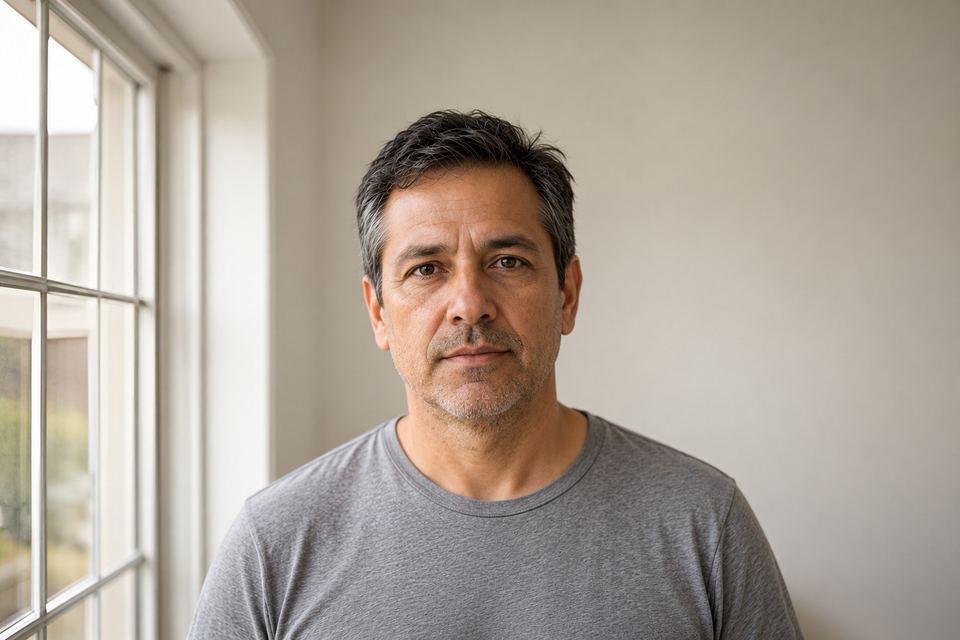
Fix a gray or dim background
A white wall only looks white when it gets enough light. Take the photo in the day, open the curtains, and turn on the room lights too.
If the wall still looks gray, hang a smooth white sheet or use a large white poster board behind you. Pull it flat, because folds make lines and shadows.
Don’t make the background whiter with an app or a filter. That counts as editing, and edited photos aren’t accepted.
Same rule for visas and online renewal
A US visa photo also needs a plain white or off-white background, and so does a photo you upload to renew your passport online.
Other countries set their own rules, and a few documents ask for a light background that is not white. Check your document in the visa photo list or the size by country guide.
How PassportOwl checks the background
The free passport photo checker looks at the area around your head. It checks that the background is plain, even and light enough. If the background is light gray, close to the limit, it still passes, but it tells you to use a white wall and more light.
We never replace or clean up a background. If yours isn’t right, you see why and retake the photo, free.
Already have a photo? Check it free with the passport photo checker. Every rule in one place: passport photo requirements.
Questions
Can I use an app to make the background white?
No. Removing or replacing the background is editing, which isn’t allowed.
Is off-white OK?
Yes. Plain white or off-white, with no shadows, texture or objects.
Can my passport photo background be light gray?
The rule is plain white or off-white. A very light gray can read as off-white, but a darker gray risks rejection. Add light or use a white sheet to be safe.
Can I use a white sheet as a background?
Yes, as long as it is plain and smooth. Pull it flat so folds don’t make lines or shadows.
Why is there a shadow behind my head?
You stand too close to the wall, or the light comes from one side. Step away from the wall and face the light.
Sources: Passport photos - travel.state.gov , 8 FAM 402.1 Passport photographs - Foreign Affairs Manual , Photo requirements - U.S. Visas, travel.state.gov . Checked Oct 19, 2026. How we keep rules accurate