
Photo Booth, Pharmacy or Phone: Which Should You Use?
For most people, a pharmacy counter is the easiest way to get a photo in person, and a phone at home gives you a digital file and as many tries as you need. A booth can work for a paper application, but ask whether it gives you a file before you pay. The State Department applies the same rules to all of them.
The State Department does not care where your photo was taken. It cares whether the photo meets the rules. Its passport photo page lists three places to get one: an acceptance facility that takes a photo when you apply, any company that offers photo services, and a friend or family member. So your choice comes down to money, time, and whether you need a digital file. For store-by-store prices, see our guide to what passport photos cost. This post compares the kinds of place.
The options side by side
| Option | What you get | Digital file | Who checks the photo | Best for |
|---|---|---|---|---|
| Photo booth | Prints from a machine | Varies, so ask first | Usually only you | A paper application, if one is near |
| Pharmacy counter | Prints, taken by an employee | At some stores | The employee | Help from a person, same day |
| Acceptance facility | A photo as you apply, if sold | Don’t count on it | The employee | Doing everything in one visit |
| Phone or webcam (home) | A file that you print or order | Yes | You, or a checking tool | Online renewal, retakes |
We left a national price out of the booth row on purpose. We could not find a price published by a US booth operator, and the third-party numbers we found cite no source. Check the price on the machine.
Photo booths
A booth is quick if one is near you, but it is the option with the least help. Nobody looks at your photo before you leave, so the checking is up to you. Before you pay, look at the background the booth uses and any setting for a US passport. The picture must be 2 × 2 inches, and your head must measure 1 to 1 3/8 inches from chin to top of head.
Two things can go wrong with a booth:
- Size. A booth built for general ID or fun photos may not print the US size. Measure the print with a ruler before you go.
- No file. If the machine only prints, you have nothing to upload. You cannot fix that later by scanning the print: the State Department says not to submit photocopies or digitally scanned photos.
Pharmacy and store counters
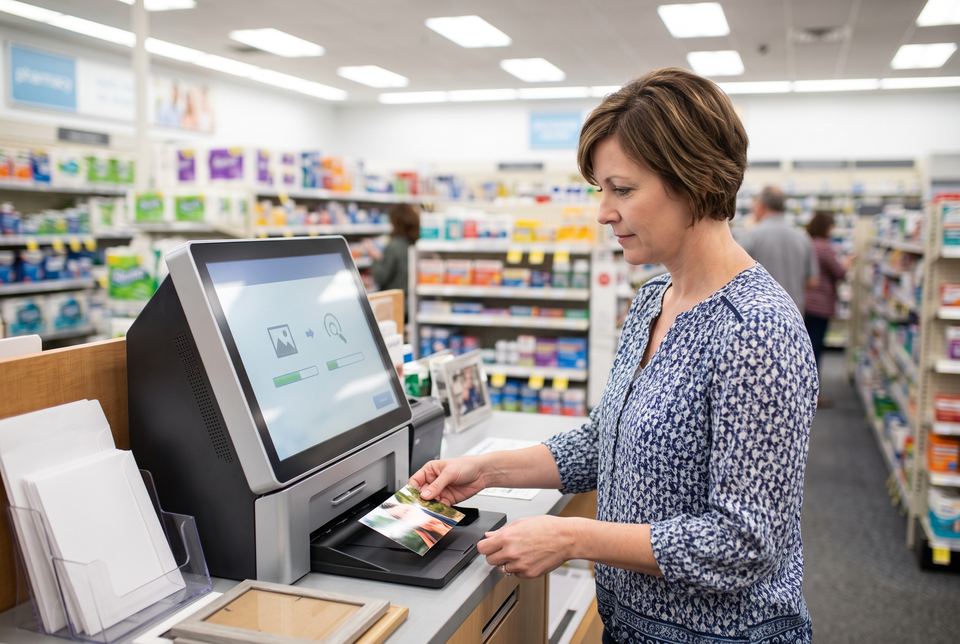
At a store counter, an employee takes the picture and you leave with prints. As one example, Walgreens lists passport photos at $16.99 on its site (checked November 9, 2026). That buys two 2 × 2 prints taken by a store associate. Its page says no appointment is needed at most locations, the photos are ready in an hour or less, and a free digital copy by email is available with the purchase.
Prices and services at other chains differ, and some stores have no photo service. Call first, and ask two questions: “Do you take US passport photos today?” and “Do I get a digital copy?”
Remember that the employee does not decide whether the photo is accepted. The State Department does. Check the print yourself before you leave.
The acceptance facility
If you must apply in person, the facility may take your photo at the same visit. That saves a trip. The State Department notes that acceptance facilities and photo vendors charge different fees, and not every facility offers photos. Ask when you book.
Your phone or webcam
A photo at home needs no trip and gives you as many tries as you want. The State Department lists a friend or family member as a valid way to get your photo, so a store is not required.
The risk moves to you. The photo must follow every rule, and some problems are easy to cause at home: a wall that is not plain, shadows behind you, or a head that is the wrong size after cropping. These rules decide the result:
- Taken in the last 6 months, in color.
- A plain white or off-white background, with no shadows, textures or objects.
- Glasses off.
- No changes made with software, phone apps or filters. The State Department says it checks all photos for digital changes.
- If you mail a print: 2 × 2 inches on matte or glossy photo-quality paper.
Our passport photo requirements guide goes through each rule.
PassportOwl is one way to do this. You take the photo with your phone or webcam, and we check it against the official rules for free. We only crop and resize. We never retouch. You pay only if the photo passes: $11.99 for the digital photo and a 4×6 sheet to print, or $16.95 with 4 prints mailed to you. We delete photos after 72 hours. If a government office rejects your photo for a photo reason, you get your money back. Start with the US passport photo page.
How to choose
- Renewing online? You need a digital file, so use a phone or a store that gives you a copy. The State Department says to upload a digital photo for online renewal.
- Applying in person, and you want it done in one trip? Ask the acceptance facility if it takes photos, or stop at a pharmacy on the way.
- Mailing a renewal? Any option works if you end up with a correct 2 × 2 print.
- Photo for a baby or a child? Home is often easier, since you can wait for the right moment and try again.
- A retake after a rejection? Read our guide to why passport photos get rejected first, so the next photo fixes the actual problem.
We could not find rejection rates by type of photo source from any official body, so we won’t guess which option fails least. What you can control is the check: before you submit any photo, from any place, compare it to the rules above.
Sources: Passport photos - travel.state.gov , Passport and visa photos - Walgreens . Checked on Nov 9, 2026. How we keep the rules up to date